.png?width=300&height=76&name=logo%20H%20teal%20(1).png)
How to Get Started
As this is an additional feature, reach out to our Support Team or contact your Dedicated Customer Success Manager. We’ll get it switched on and ready for you in no time.
How it Works
Once activated, you can send allocations to partners, sponsors, or competitors in a few clicks:
-
Head to Settings: Navigate to the Partner Tab in your Organizer Settings.
-
Create a New Partner: Click "New Partner" and enter their details.
-
Set the Rules: Select the event and the exact number of tickets (and which ticket type) you want to allocate to them.
-
Send & Relax: Hit send, and TicketCo takes it from there.
The Partner Experience
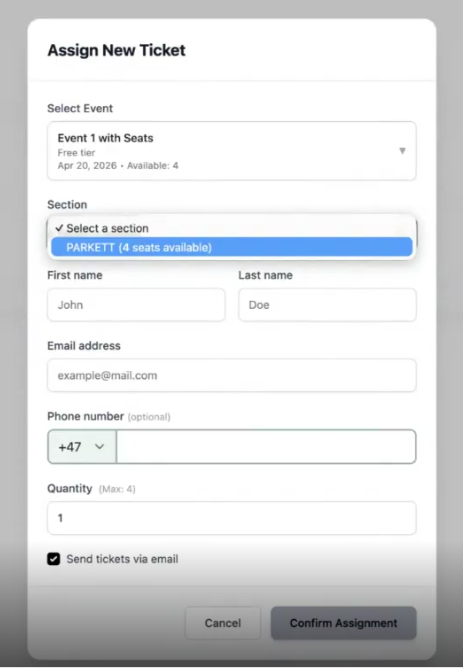
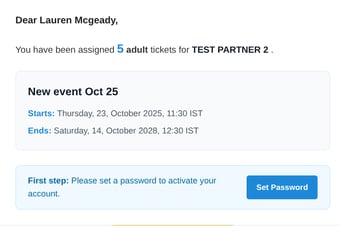
Your partner will receive an automated email prompting them to set a password. From there, they gain access to their own private dashboard where they can:
-
View their total ticket allocation
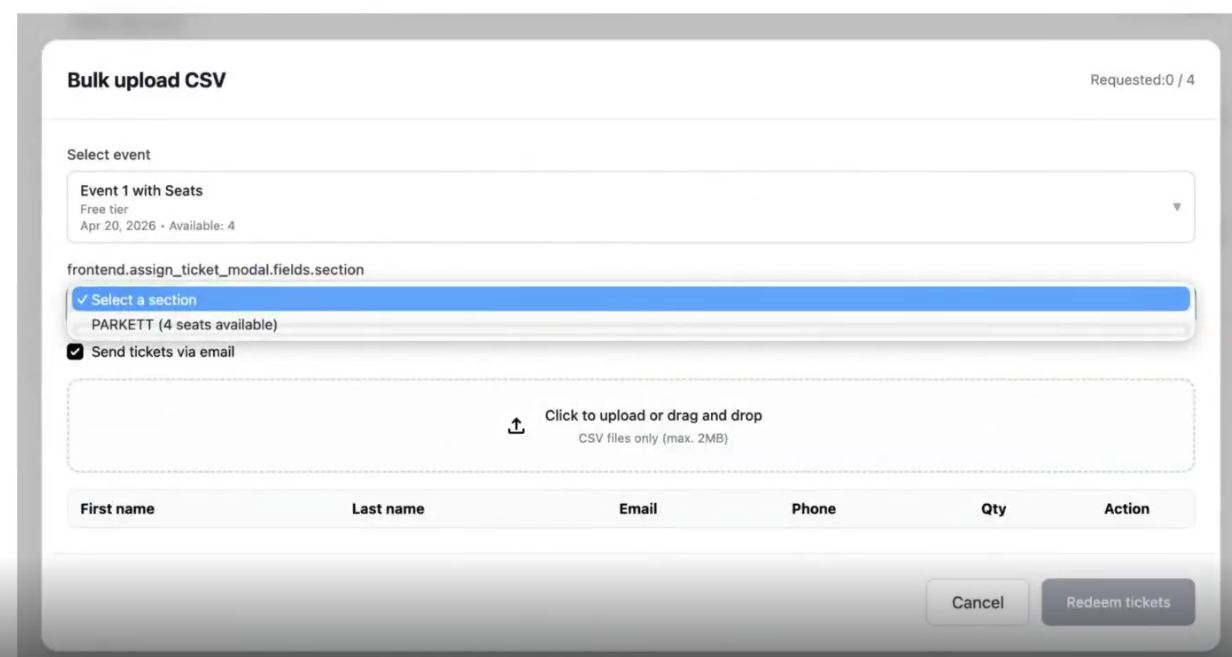
- Upload a bulk file to distribute the tickets in one go
-
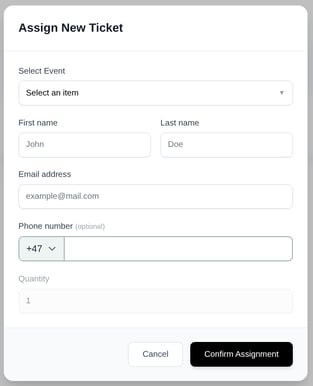
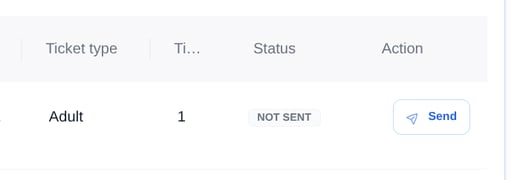
Assign tickets to their own guests via email & then send the tickets

Assigning Seats with a Seat Map
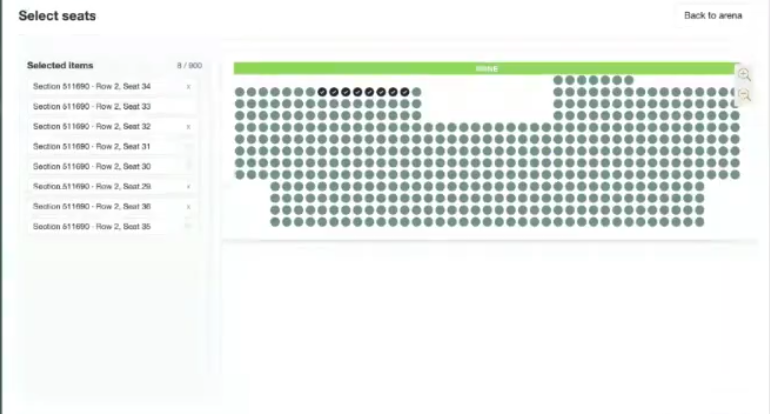
If you have a seat map attached to your event and want to assign seats to your partner tickets, you can do this by choosing the quantity of tickets and adding the seats via the 'Select Seats' button.
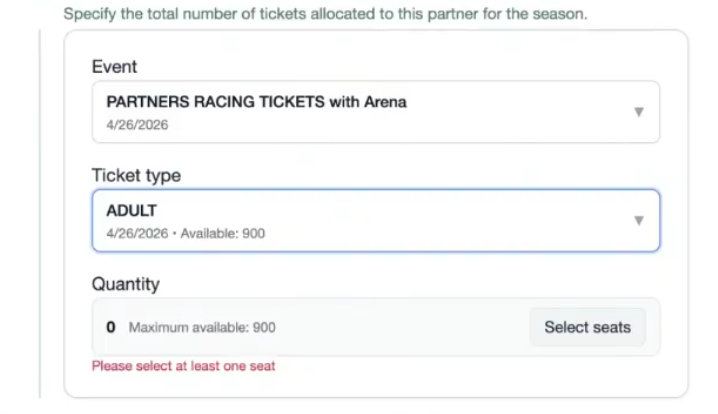
Your Partner can then assign the seats once they are distributing the tickets via their partner portal. They can also choose the seats when they are using the Bulk Upload CSV file.